
Note
Go to the end to download the full example code.
Raster to regular points#
This example demonstrates the conversion of a raster regular-grid values to a point cloud using geoutils.Raster.to_points().
We open a raster.
import geoutils as gu

filename_rast = gu.examples.get_path("exploradores_aster_dem")
rast = gu.Raster(filename_rast)
rast = rast.crop([rast.bounds.left, rast.bounds.bottom, rast.bounds.left + 500, rast.bounds.bottom + 500])
Let’s plot the raster.
rast.plot(cmap="terrain")
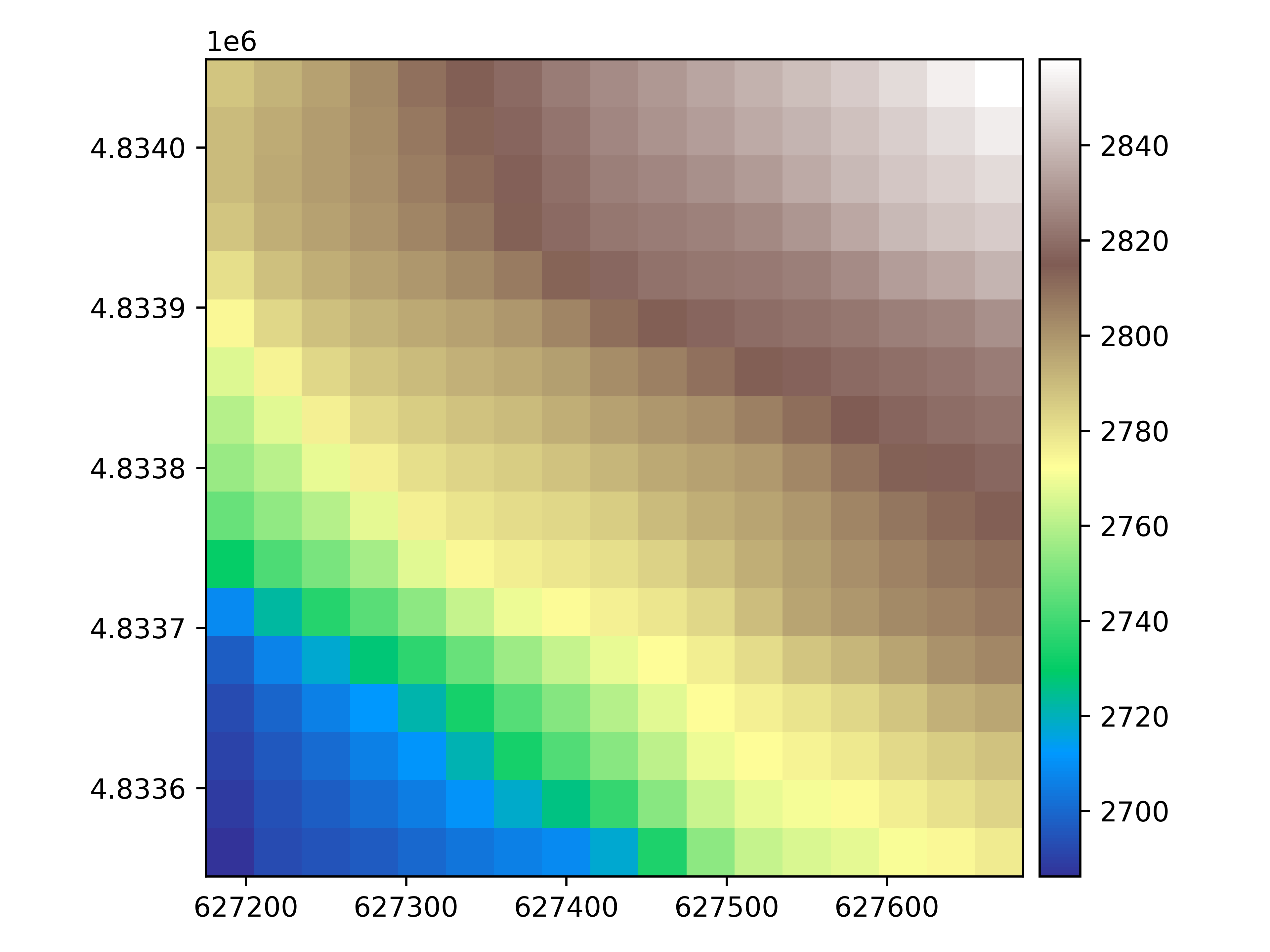
We convert the raster to points. By default, this returns a vector with column geometry burned.
pc = rast.to_pointcloud()
pc
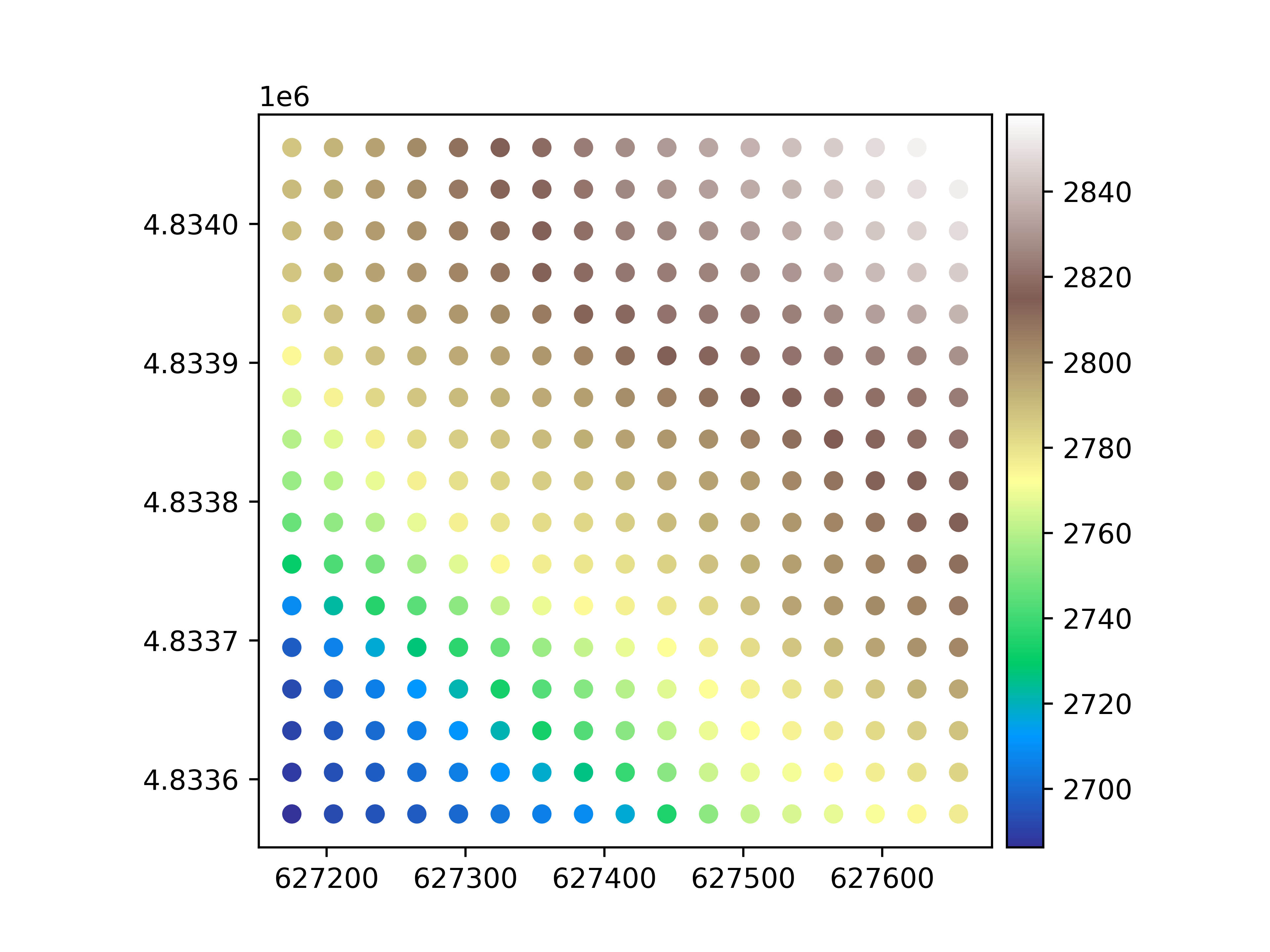
We plot the point vector.
pc.plot(ax="new", cmap="terrain", legend=True)
Total running time of the script: (0 minutes 0.638 seconds)