
Note
Go to the end to download the full example code.
Open/save a point cloud#
This example demonstrates the instantiation of a point cloud through geoutils.PointCloud and saving with save().
import geoutils as gu
We open an example vector.
filename_pc = gu.examples.get_path("coromandel_lidar")
pc = gu.PointCloud(filename_pc, data_column="Z")
pc
A point cloud is a subclass of Vector, with a main attribute data_column pointing to the main data column
of the point cloud.
All other attributes are inherited from Shapely and GeoPandas. See also The georeferenced vector (Vector).
Note
A point cloud can also be instantiated with a geopandas.GeoDataFrame, see From/to GeoPandas.
We can print more info on the point cloud.
pc.info()
Filename:           /home/docs/checkouts/readthedocs.org/user_builds/adebardo-geoutils/checkouts/latest/geoutils/example_data/Coromandel_Lidar/points.laz
Coordinate system:  EPSG:None
Extent:             [1838792.524, 5887910.586, 1838937.061, 5888036.092]
Number of features: 584348
Attributes:         ['Z', 'geometry']
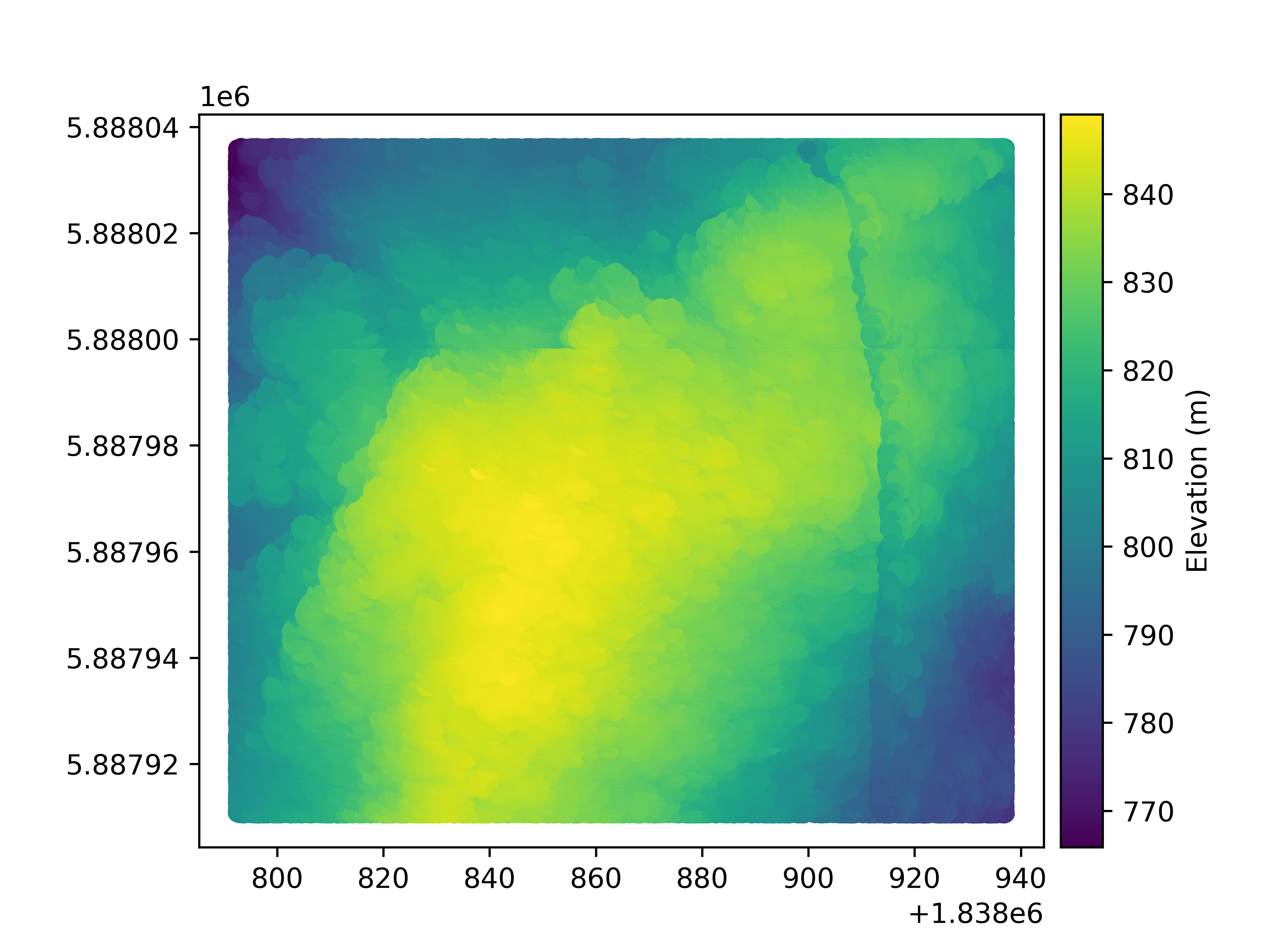
Let’s plot the point cloud main column
pc.plot(cbar_title="Elevation (m)")
Finally, a point cloud is saved using save().
pc.to_file("mypc.gpkg")
Total running time of the script: (0 minutes 45.492 seconds)