
Note
Go to the end to download the full example code.
Creating a point cloud from arrays#
This example demonstrates the creation of a point cloud through from_xyz(), from_array() or
from_tuples().
import numpy as np
import pyproj
We create a data array as ndarray, and a coordinate reference system (CRS) as pyproj.CRS.
import geoutils as gu

# A random N x 3 array
rng = np.random.default_rng(42)
arr = rng.normal(size=(5, 3))
# A CRS, here geographic (latitude/longitude)
crs = pyproj.CRS.from_epsg(4326)

# Create a point cloud using three 1-d arrays
pc = gu.PointCloud.from_xyz(x=arr[:, 0], y=arr[:, 1], z=arr[:, 2], crs=crs, data_column="z")
pc
We can print info on the point cloud.
pc.info()
Filename:           None
Coordinate system:  EPSG:4326
Extent:             [-0.85304392757358, -1.9510351886538364, 0.9405647163912139, 1.1272412069680329]
Number of features: 5
Attributes:         ['z', 'geometry']
Note that we can also use the N x 3 array directly, or also an iterable of 3-tuples
pc = gu.PointCloud.from_array(arr, crs=crs, data_column="z")
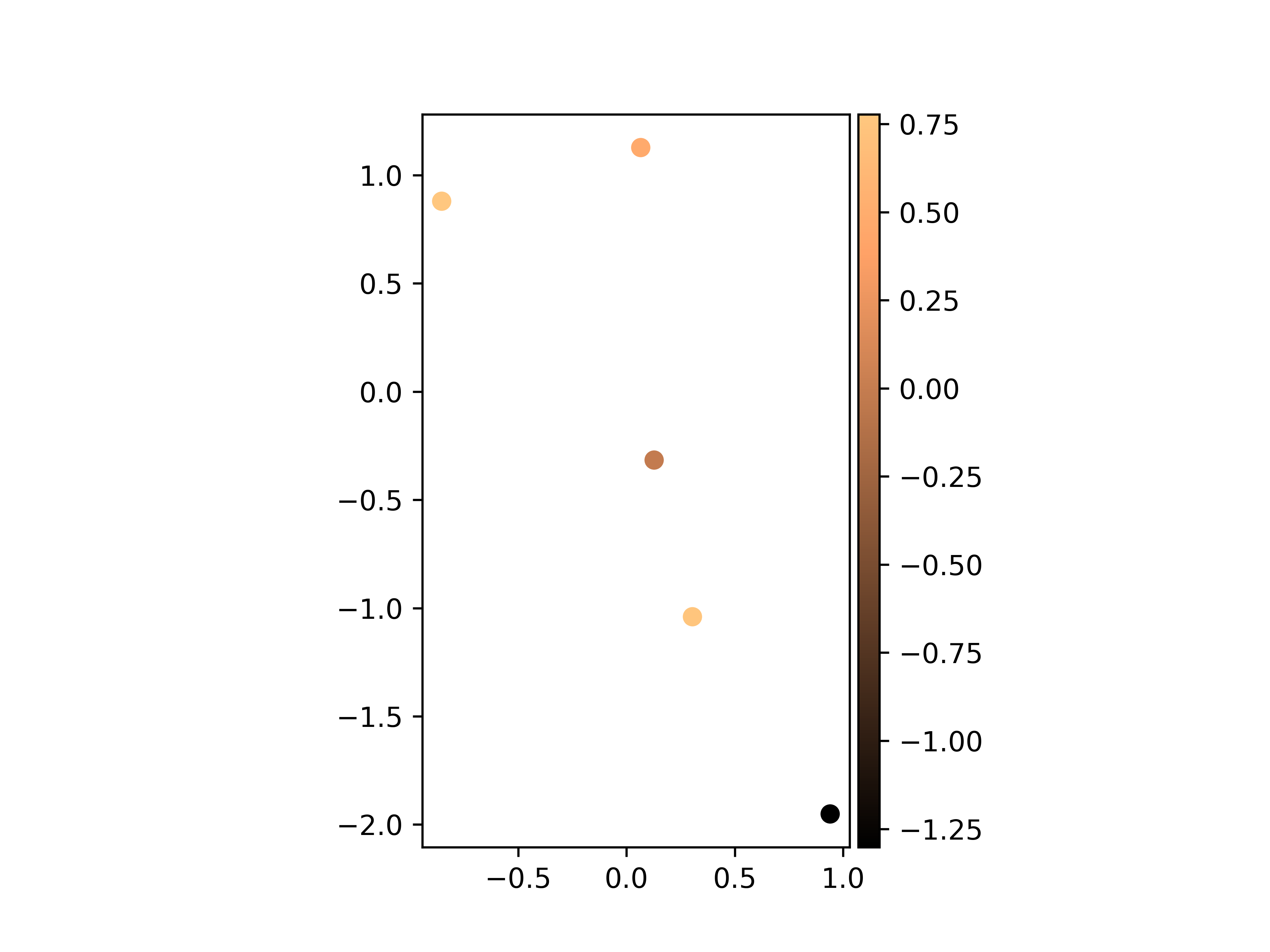
The different functionalities of GeoUtils will use data as default as the main data column, including plotting.
pc.plot(cmap="copper")
Total running time of the script: (0 minutes 0.212 seconds)